 CareerCRM
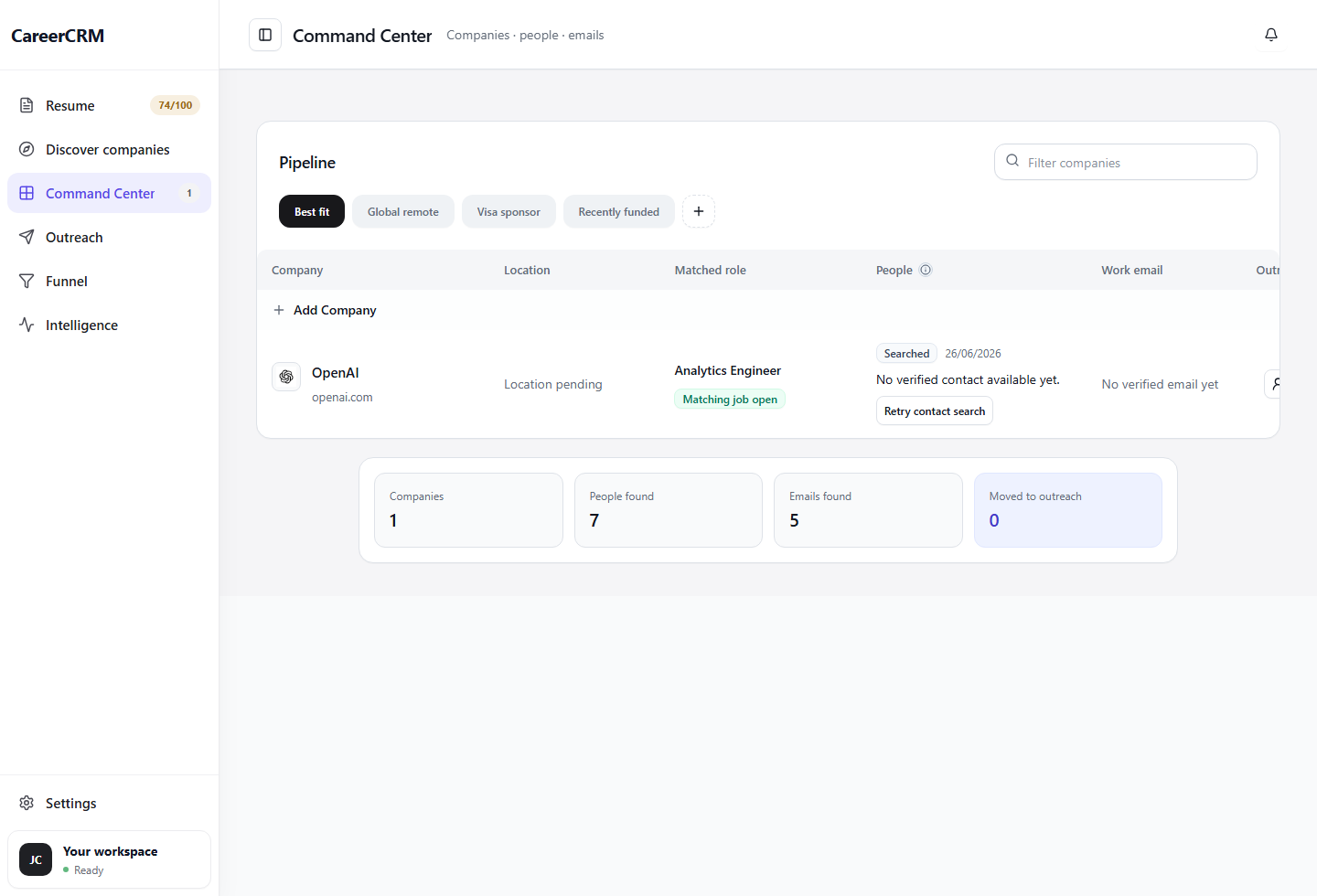
From discovery to conversation.
Everything in Pipeline, explained.
Enforced next actions
Every approved company requires a next action. No company can sit in your pipeline without something scheduled. Strong targets never go idle by default.
Company-level activity history
Every email, message, note, and stage change is logged per company. When you come back to a target after two weeks, you know exactly where you left off.
Filter and prioritize
Sort by stage, next action date, source, or fit strength. Focus your daily session on the most time-sensitive targets — not whatever you happen to remember.
Source & fit context preserved
Why you added a company, where it came from, and the original fit reason stay visible in the pipeline row — so your decisions always have context.
Frequently asked questions
How many companies can I track?
As many as you want. Most active job seekers find 20–50 active pipeline companies is the productive range — enough depth to generate conversations without spreading too thin.
Is this different from a job tracker?
Yes — Pipeline is company-centric, not application-centric. It manages relationships and next actions, not just status fields on submitted applications. Learn more →
What happens when I get an offer?
Move the company to "Closed - Offer." The history stays logged. You can pause other pipeline companies while you evaluate, and re-open if you need to continue the search.