 CareerCRM
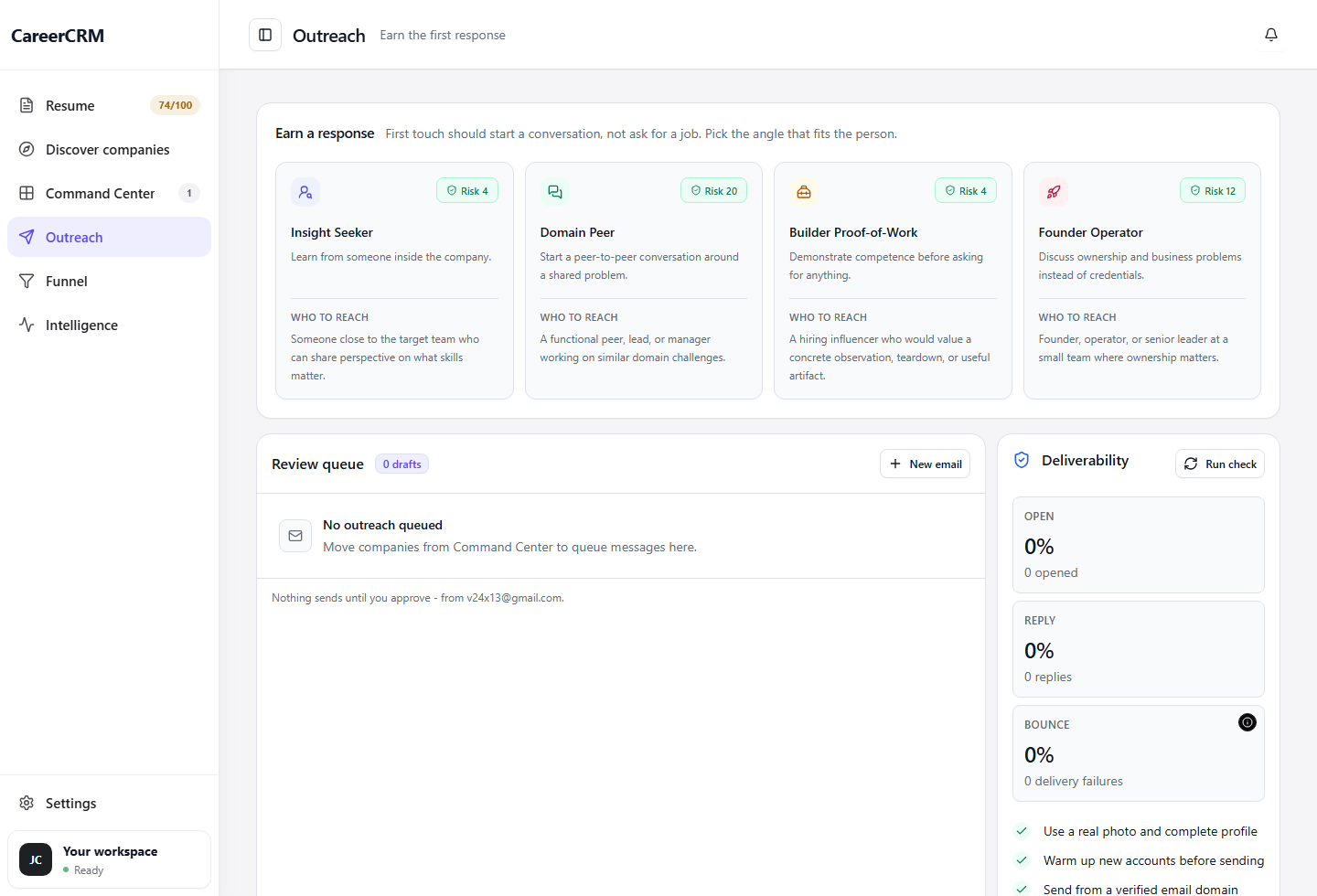
Generic messages get deleted.
Never auto-sends
CareerCRM drafts messages — you decide what goes out. Every single message requires your explicit review and approval. No surprises, no accidental sends.
Everything in Messages, explained.
Angle selection
Choose your message angle: shared connection, mutual interest, career pivot, company news, or direct fit. The draft adapts to your chosen angle.
Context-aware drafts
Every draft pulls from the company's fit reason, the contact's role, and your relevant experience. Not a template — a personalized starting point.
Edit before sending
Every draft is fully editable before it goes anywhere. The AI gives you a strong starting point; you make it yours. No message goes out without your final word.
Send status tracking
Messages tracks draft, sent, replied, and follow-up-needed status across your target application packets.
Frequently asked questions
Will CareerCRM send messages automatically?
Never. Every message requires your explicit approval before it goes anywhere. CareerCRM is a drafting and tracking system — the send decision is always yours.
Can I use my own templates instead of AI drafts?
Yes — you can edit any draft to match your own voice, or write messages from scratch. The AI draft is a starting point, not a requirement.
Does it work for LinkedIn messages as well as email?
CareerCRM supports message drafts for the channel you choose. The system keeps follow-up context consistent across each application packet.